

Understanding the latest UI trends from Olynex LLC in UI design is essential to keeping pace with the rapidly evolving world. They are crucial in developing clean, smooth, and engaging user experiences. As we progress further into the year 2025, UI design keeps growing: it introduces fresh concepts and cool UI designs for emphasizing simplicity, interactivity, and personalization.
To revamp your website, app, or digital product, know the latest ui modern trends. They will help you stay competitive and captivate your users. In this guide, we’ll explore the top UI trends shaping 2025 and how they can elevate your design strategy.
If you are a seasonal or experienced designer, you should know about these modern user interface design trends at the beginning of 2025 from Olynex LLC :
Neumorphism styling
Immersive scrolling
AR/VR is on the hype
Empty and error states illustration
Dark and anti-light modes
Generative AI Design
Large Font Size
Voice User Interface (VUI) and touchless interactions
Kinetic-type typography with animation
Frictionless authentication
Design system
Bento grids
Card UI Component
Modern skeuomorphism
Spatial design
Personalised experience
Great user onboarding experience
Highly detailed illustrations
Content-Focused Design
Smooth gradients
For both users and businesses, the adoption of top UI trends in 2025 has a bunch of advantages. Having intuitive design, visually appealing interfaces, and mobile-first experiences at its core, these trends provide a really massive improvement to the user experience by making interfaces more accessible and engaging.
Personalization, smooth animations, and therefore faster interactions create a seamless experience, keeping users connected and satisfied. Features such as enhanced accessibility, AI-driven personalization, and cross-device consistency mean users have a slicker, more accessible journey, however they access your platform.
For businesses, this means staying ahead of
The UI trends in development, retention, and competitiveness. Best user interface designs shows a forward-thinking brand that truly cares about user experience; an effective design system ensures updates are quicker and more efficient.
With the inclusion of emerging technologies like AR, VR, and voice interfaces, your product will be future-proof and innovative. All this builds trust, enhances the brand image, and keeps users coming back for more. In the end, it drives success and loyalty.
We are also live at Behance! See our work!
2025 latest ui trends and styles
If you want to make your design stand out, you should apply these 20 UI trends in 2025:
1. Neumorphism UI Trends styling
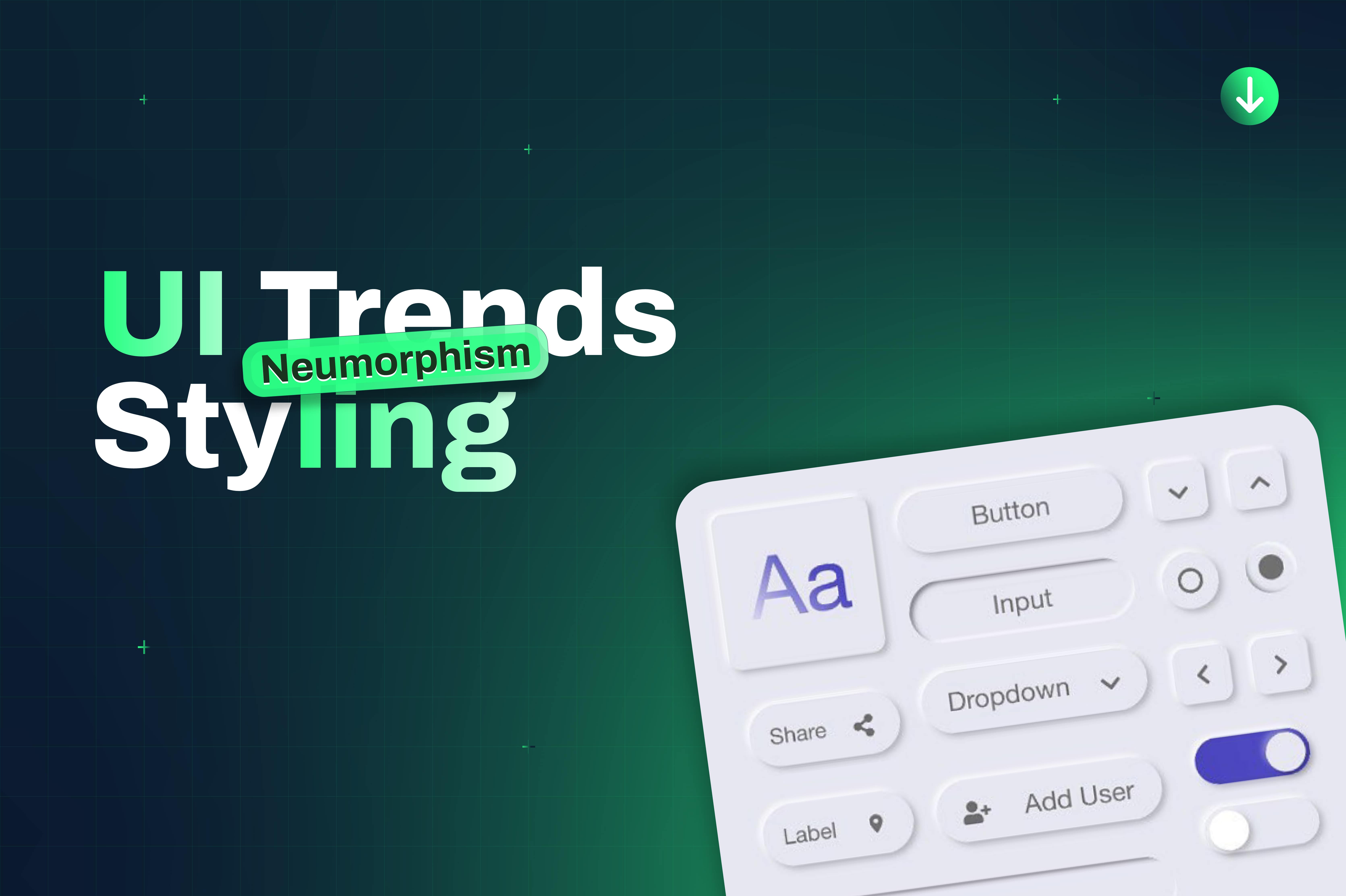
User Interface (UI) trends constantly evolve, redefining how we interact with technology. Of these, Neumorphism is a game-changer. It blends beauty and usability in a sleek design. This trend blends minimalism with subtle realism. It creates modern, tactile interfaces.
Neumorphism, short for "new skeuomorphism," reimagines the classic design style with soft shadows, light gradients, and muted colors. Its signature look mimics physical elements. It gives buttons and cards a 3D-like appearance while keeping a clean, flat layout. This style strikes a balance between functionality and sophistication, appealing to users seeking intuitive and visually pleasing experiences.
Using UI trends like Neumorphism helps brands deliver great digital experiences. It keeps them ahead of the competition. It's not just about looking good. It's about making users feel connected to your interface. Usability and innovation must align perfectly.
2. Immersive scrolling
UI trends are changing the way people experience digital platforms. Immersive scrolling is one of those disruptive innovations that will take users on a journey. It makes the monotonous scrolling process quite engaging and story-like.
Immersive Scrolling: Using animations, transitions, and even parallax scrolling in user interface user experience design, they show depth and movement as users scroll down a page. It's how content is brought to life by responding to the speed and direction of scrolling, creating a sense that every swipe and scroll is done for a reason. Whether it's showing off a product, telling the story of a brand, or moving people through complex data, immersive scrolling fascinates and engages people.
Immersive scrolling is a mixture of creativity and interactivity that fosters deeper connections, thus leaving lasting impressions on the minds of users. It is a stunning UI trend that really works. It helps brands to stand out and create memorable digital experiences.
3. AR/VR is on the hype
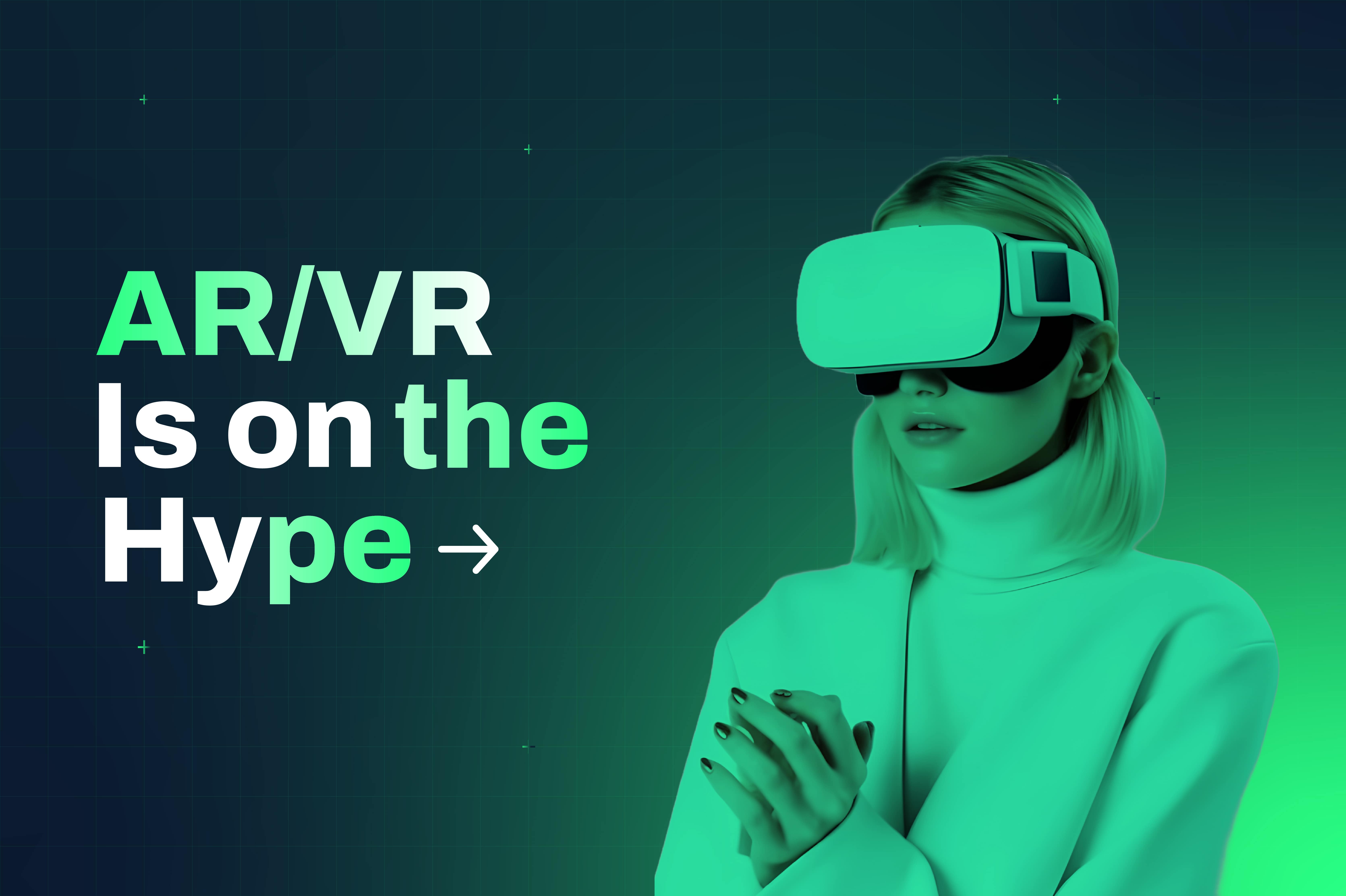
Virtual reality (VR) and augmented reality (AR) are changing UI design. These technologies immerse users like never before. These UI trends are breaking traditional boundaries and creating dynamic and interactive experiences.
AR and VR bring environments to life by seamlessly blending the physical and digital worlds. AR adds digital elements to real-world views. It enhances tasks like shopping, learning, and navigation. Imagine trying on clothes virtually or visualising furniture in your home before buying—AR makes it possible. VR, on the other hand, transports users into fully immersive virtual spaces, perfect for gaming, training, or virtual tourism.
Designing for AR/VR means rethinking how users interact with content, focusing on intuitive gestures, responsive interfaces, and immersive visuals. These trends are changing UI. They provide unique, memorable experiences for customers worldwide.
4. Empty and error states illustration
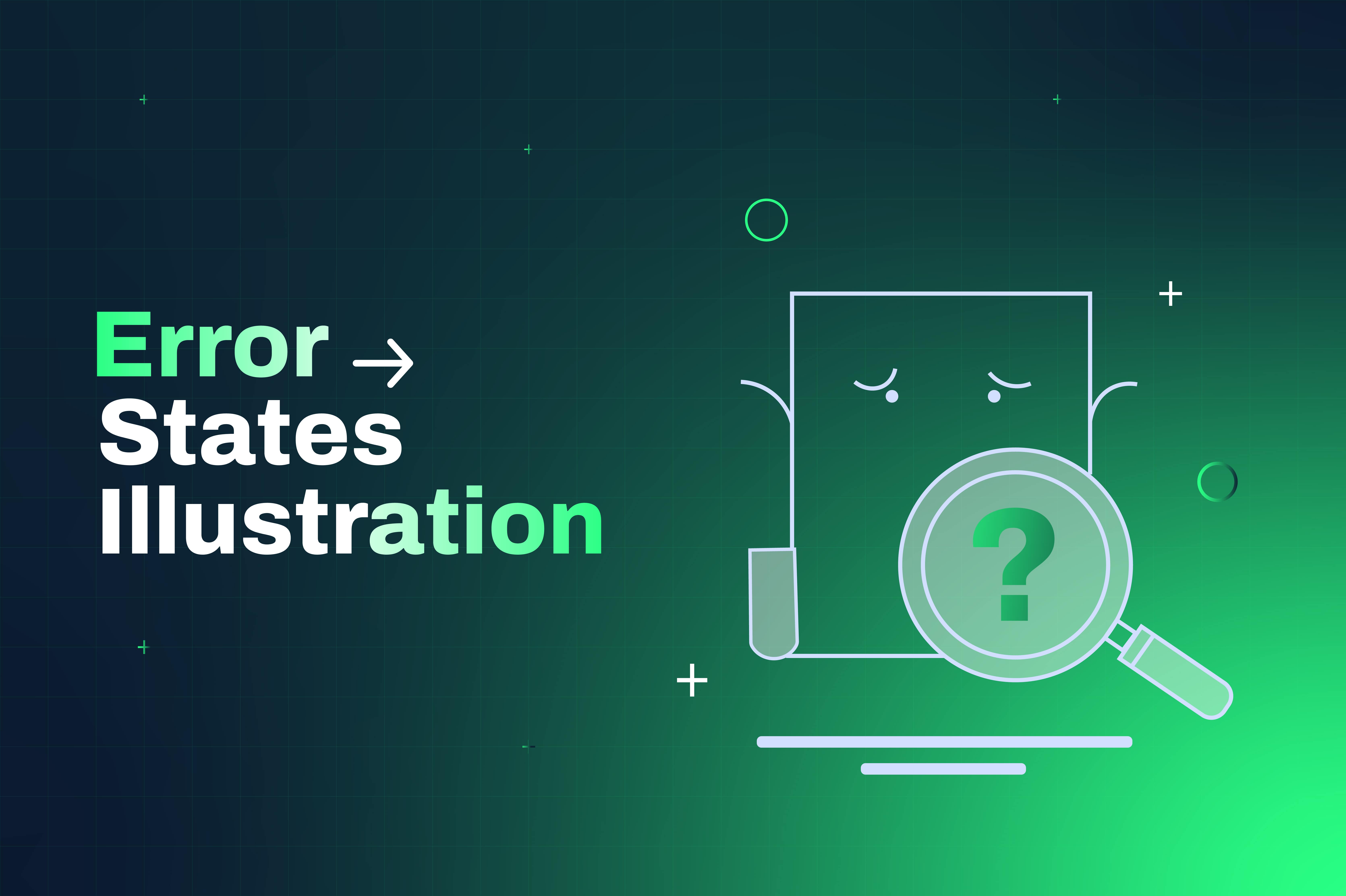
The modern UI design is not just about functionality but about building a connection, even with an empty or error state. Overlooked spaces are being transformed into creative opportunities with illustrative design trends that transform potential frustrations into delightful interactions.
No more bland placeholders for things like state results for no searches. Illustrations and messages charm their way through, coaching users through the next step in an intuitive and engaging way. Similarly, error states are getting a makeover with friendly visuals, humorous copy, or helpful instructions that soften the blow of an unexpected glitch.
Branding agencies ( like Olynex ) are showing personality and empathy through custom illustrations that turn what would otherwise be frustrating moments into positive touchpoints. These designs increase user satisfaction and build trust. They prove that every part of the UI journey matters, even the "oops" moments.
5. UI Trends of Dark and anti-light modes
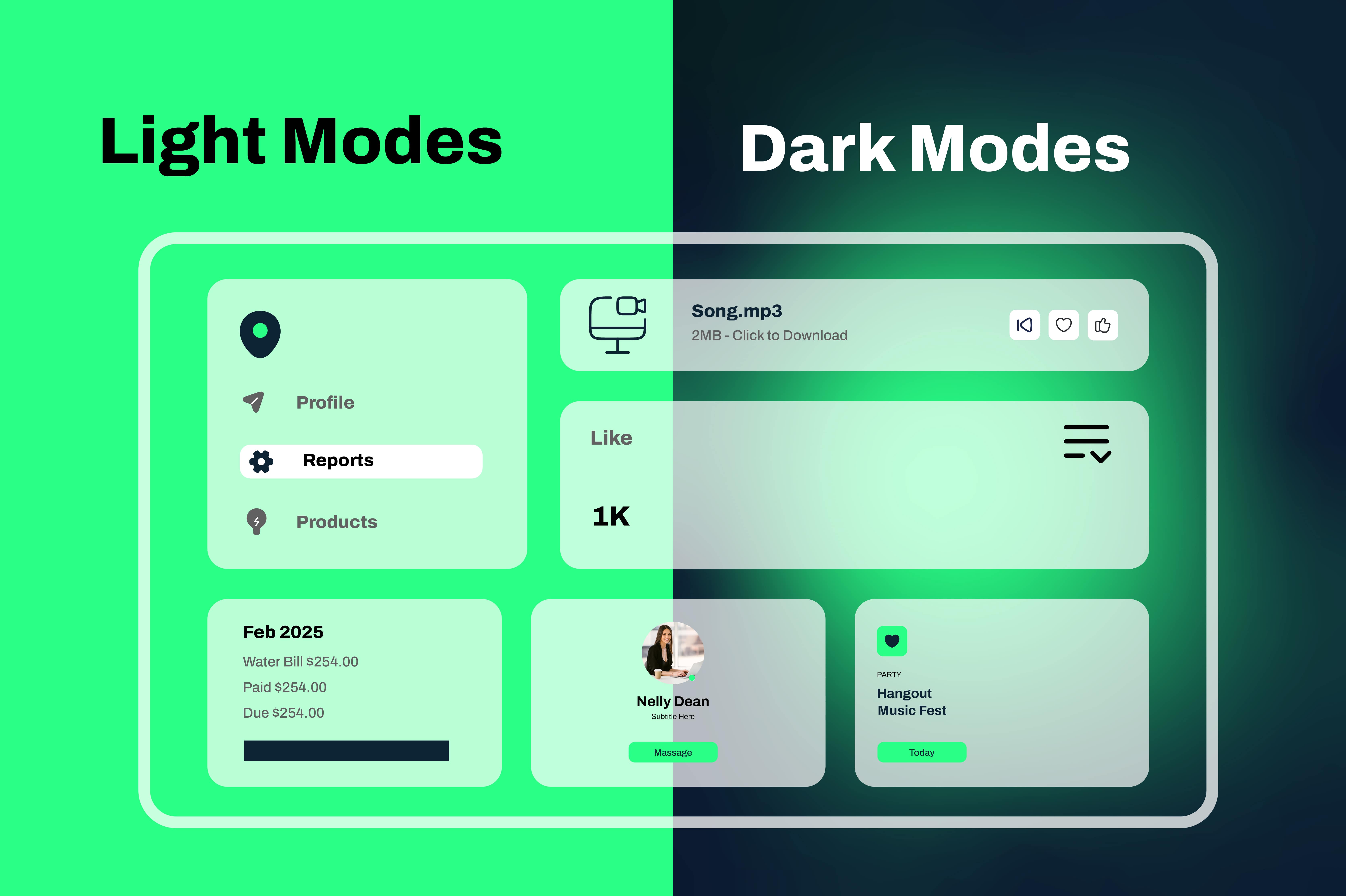
Modern UI trends are driven by user needs and dark mode—along with its innovative sibling, anti-light mode—has become a standout feature. These styles blend beauty and utility. They give users a stunning, flexible experience.
Dark mode replaces bright whites with deep, soothing blacks or grays. Web design trends current feature is reducing eye strain in low light and saving battery on OLED screens. Its sleek appearance also exudes sophistication, making apps and websites feel modern and premium.
Anti-light mode, a bolder evolution, goes beyond dark mode. It uses muted tones and softer contrasts that prioritize comfort. It avoids harsh blacks, creating a balanced look that’s gentle on the eyes without compromising clarity.
These modes allow users to personalize their visual settings. They improve usability, too. It’s a trend where function meets flair, redefining digital experiences for everyone.
6. Generative AI Design
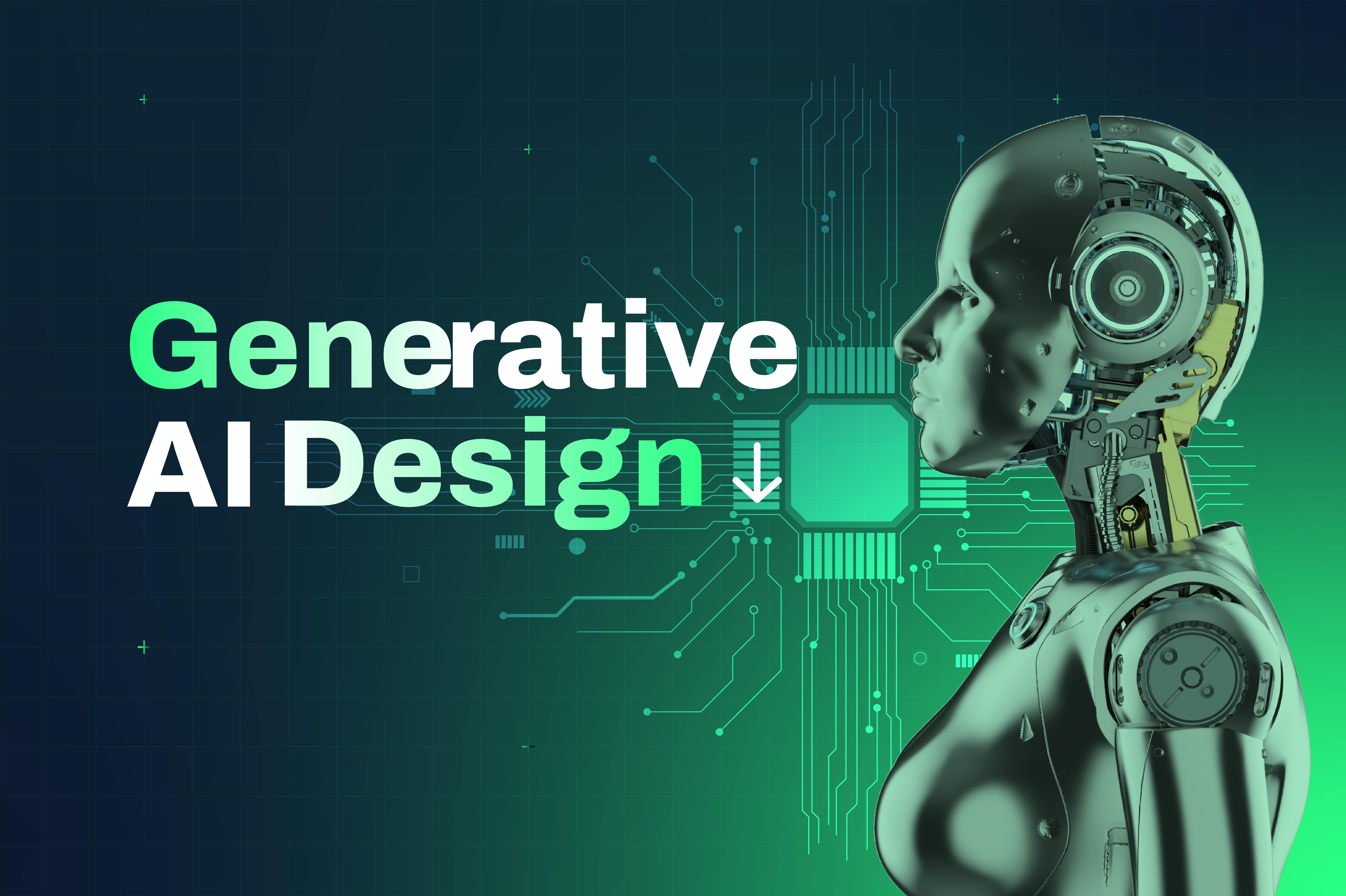
One of the most exciting UI trends reshaping digital experiences is generative AI design. This new method uses cool user interface designs in AI to create adaptive interfaces. They cater to users in real-time.
Generative AI can design custom layouts, suggest colors, and create visuals. It does this based on user preferences. It lets designers focus on creativity. AI will handle the tedious tasks. This speeds up workflows and ensures precision. Imagine an app that evolves its design based on how you use it—Generative AI makes that possible.
This trend empowers brands to deliver hyper-customized experiences, blending creativity with cutting-edge technology. Generative AI is not just a tool. It's a partner in creating designs that are more thoughtful, intuitive, and stunning. They captivate users with every click.
7. Large Font Size
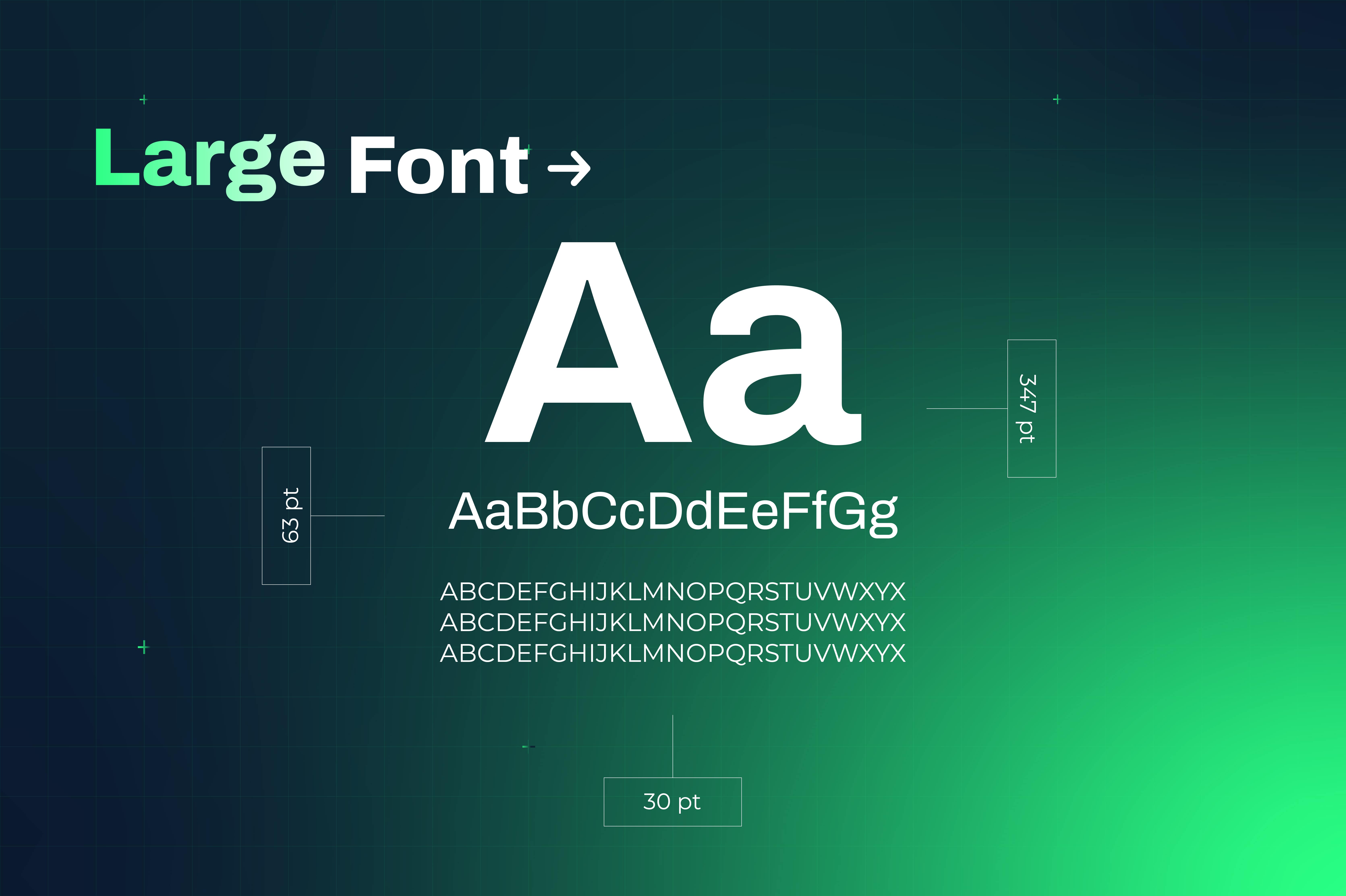
The trend toward large font sizes in UI design is revolutionizing how brands communicate with their users. It’s not just about making text bigger—it’s about making it bolder, more accessible, and more impactful.
Large fonts grab attention instantly, guiding users to key information without effort. This trend improves readability for all, including the visually impaired. It also creates a cleaner, modern look. Paired with thoughtful typography and whitespace, large fonts create a harmonious flow that’s easy to navigate.
Beyond functionality, they allow brands to convey their personality. Whether it’s a playful headline or a commanding call-to-action, large text ensures your message resonates. This trend looks great. It also improves usability, accessibility, and engagement. It proves that, in UI design, bigger is sometimes better.
8. Voice User Interface (VUI) and touchless interactions

Convenience and ease of access have, if not become, are at the heart of modern UI design, with Voice User Interfaces and touchless interactions changing the use of technology. The bottom line here is: hands-free, seamless voice commands, gestures, proximity sensors.
With VUI, interaction will become natural. It is like asking your intelligent assistant to play music, turn smart devices on and off, or simply answer questions. These interfaces, combined with touchless technologies like gesture recognition or facial tracking, create an approach that's truly futuristic-in an intuitive and inclusive way. It will be very helpful for multitasking users or those with physical limitations in certain aspects.
VUI design is based on clear audio cues and natural language. It uses feedback for smooth interactions. These innovations boost user satisfaction. They combine functionality with simplicity. They mark a new era of UIs where convenience meets advanced technology.
9. Kinetic type typography with animation
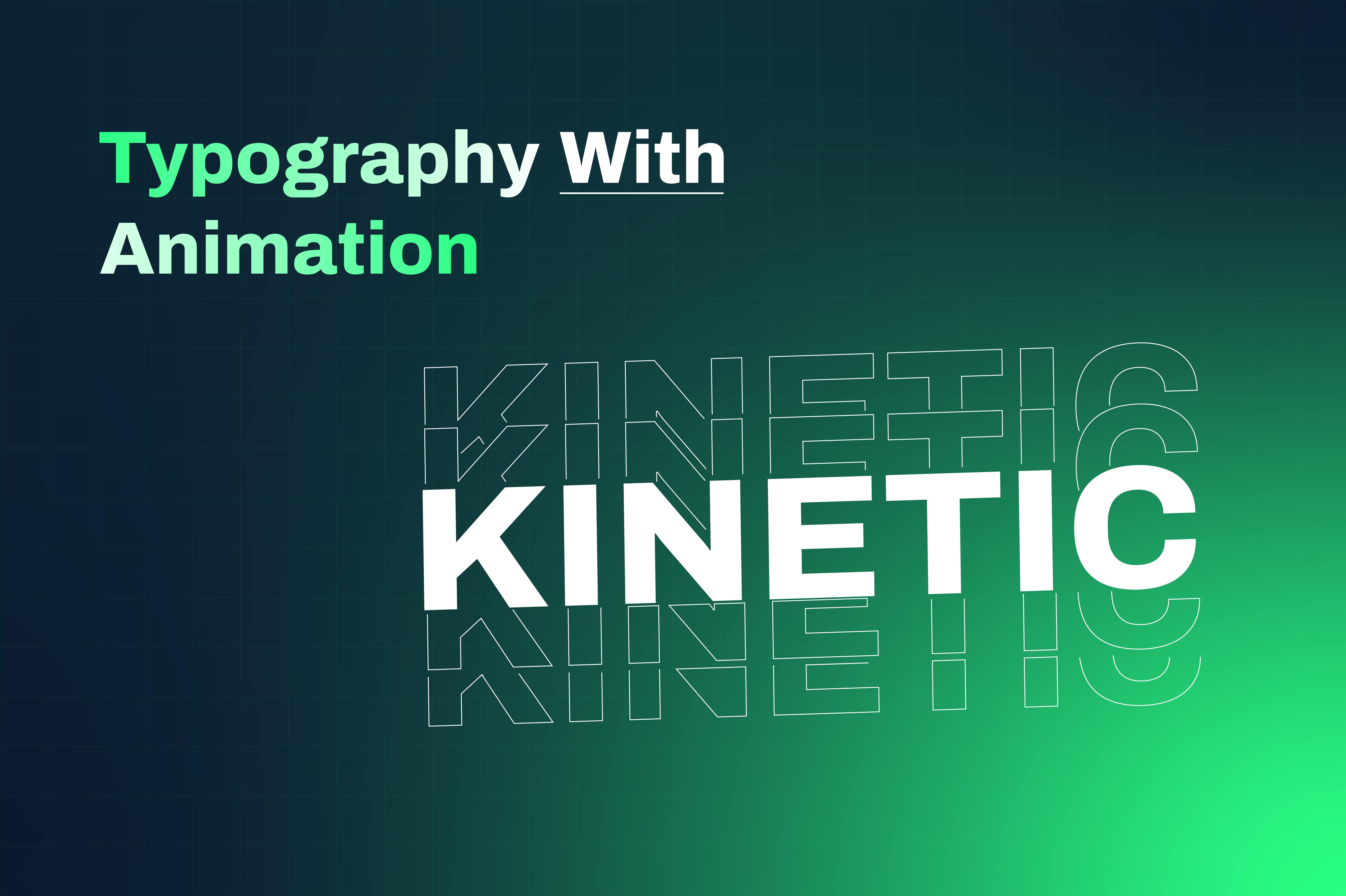
Kinetic typography, animated moving text, is on the rise in the ever-changing world of UI design. It catches attention and enhances storytelling. The new approach makes static words come alive as dynamic visuals. It gives personality and motion to digital interfaces.
Kinetic type is more than eye-catching; it's functional. It animates text to emphasize a message while guiding the user's gaze and contributing to a user-centric sense of flow. Imagine a headline that expands or shrinks to fit the width and height of your screen, or a call-to-action that pulses to encourage interaction. This is a kinetic type of action.
This trend makes the content feel alive and interactive, which resonates with users on a deeper level. Combining motion with meaning, kinetic typography not only enhances visual appeal but also elevates usability, making every interaction more memorable and impactful.
10. UI Trends of Frictionless Authentication
The ease of authentication is the mainstay of smooth UI design in this fast digital world. This trend promises users secure and easy access, in a bid to eliminate the frustrations that have resulted from traditional login processes.
It is no longer the time to juggle complex passwords or continuous caps. Frictionless authentication uses tools like biometric scanning (fingerprints, face recognition ), SSOs , and passkeys to allow instant, secure connections. Reduce steps, increase security, and let access become seamless.
It means convenience and confidence for users, better engagement, and ultimately more loyalty for businesses. This trend ensures safe logins for applications, online shopping, and accounts in a way that doesn't compromise on user experience. Frictionless authentication is the perfect blend of innovation and trust in defining the new face of interaction with digital platforms.
11. Design system
Design systems in modern UI are changing the way brands design cohesive and efficient digital experiences. A design system is a set of reusable components, guidelines, and tools. It ensures consistency across products and platforms.
Design systems ease the creative process by standardizing typography, color palettes, buttons, and interactions, reducing time and cost; teams will be more innovative and have a common feel. Thus, users will be ensured to navigate seamlessly, regardless of the platform they use.
Scalability will be facilitated by the design systems. Whether one application or a line of products, they ensure all touchpoints align with the brand identity. It really helps the UI trend enhance collaboration and trust. It further increases usability. Therefore, it is necessary that brands embrace this for impactful designs that are friendly to the users.
12. Bento grids
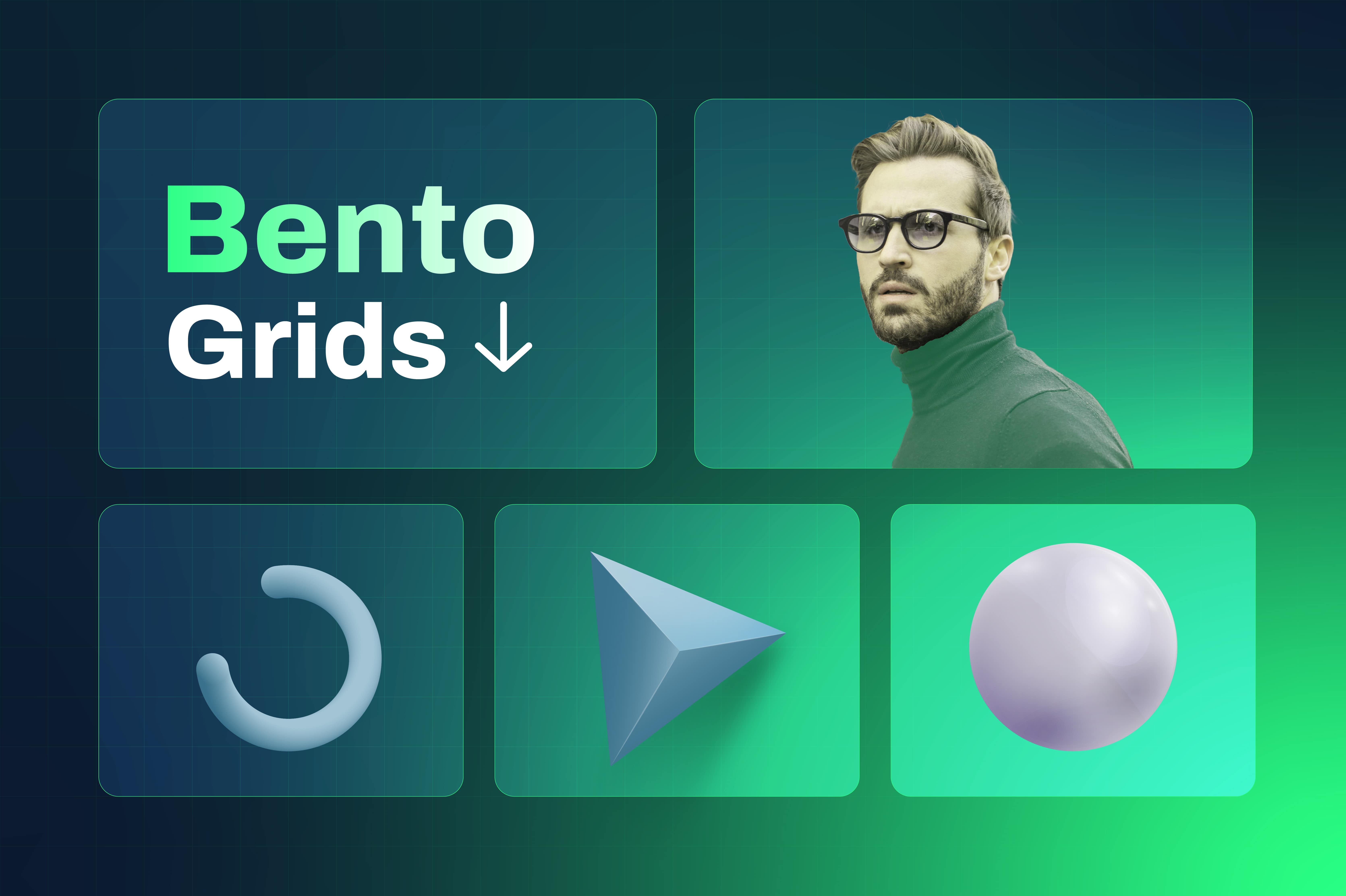
Bento grids are a new UI trend. They take their inspiration from bento boxes. They revolutionize the way we structure and present content. This design approach arranges information into neatly structured, visually appealing blocks, creating balance and clarity in digital interfaces.
But in a bento grid, each "compartment" may show images, text, videos, or interactives; all should flow together. This structure makes it easy for users to glance at and engage with the content without feeling overwhelmed. Such versatility works great for dashboards, e-commerce sites, and portfolios, offering functionality and aesthetic appeal.
Bento grids are simple and modern. They give a polished user experience and are engaging. The trend is sleek in design and highly functional to the delight of users. It makes the navigation of complex information easy.
13. Card UI Component
Card UI components are a standout trend in modern design, offering an intuitive and visually appealing way to present content. These versatile, rectangular containers group related information—text, images, and actions—into compact, digestible units.
Cards in UI Trends are great at organizing content. So, they are perfect for dashboards, e-commerce sites, and mobile apps. Their modular design ensures scalability. It lets designers stack, scroll, or swipe them across devices.
Cards ensure clarity and engagement. They are great UI Trends for:
Showcasing a product
Summarizing a blog post
Displaying a user profile
This trend combines functionality with style, often incorporating animations, hover effects, and responsive layouts to enhance interactivity. Card UI components transform complex information into simple, elegant displays, creating delightful experiences that keep users informed and inspired.
14. Modern skeuomorphism
UI trends are constantly evolving, and one of the most exciting comebacks in modern skeuomorphism. Modern skeuomorphism is unlike the flat designs of previous years. It uses textures, shadows, and 3D effects to make digital interfaces look more real. It’s all about creating a more tangible, intuitive user experience.
Think of soft shadows, realistic buttons, and depth that make the interaction feel more natural. This trend lets users connect emotionally with the interface. It also keeps sleek, minimalist elements. It’s the perfect blend of innovation and nostalgia, making apps not only beautiful but also highly functional.
15. Spatial UI trends design
UI trends are continually evolving, with spatial design becoming a standout in recent years. The spatial design aims to create intuitive, immersive experiences. It uses depth, layering, and motion. It’s all about guiding users through a digital environment that feels almost three-dimensional.
It uses parallax scrolling, floating, and perspective variation to bring fun and dynamism into interfaces, allowing users better comprehension of where they stand in an application or website; thus, navigation turns out more natural. With the spatial, it provides even more interaction by enhancing navigation and then making the entire experience smooth and much more pleasing. That is how Spatial works: bringing your digital products alive!
16. Personalized experience
The shift of UI trends: They now aim for a highly personal experience for the users. This is going to change how we communicate with digital products. Personalization means tailoring interfaces to individual preferences, needs, and behaviors. Imagine dashboards tailored just for you, layouts that adapt, and content recommendations handpicked just for you.
By leveraging user data and AI in user interface design images, apps can predict what you’ll love and streamline your interactions. This trend makes experiences more efficient, engaging, and relevant, giving users a sense of being understood. With a personalised UI, every interaction feels like it was designed just for you, making technology feel more intuitive and human-centred.
17. Great user onboarding experience
UI trends now stress the need for smooth user onboarding. First impressions matter. A great onboarding experience is all about guiding new users through an app or website in an intuitive and welcoming way. Instead of overwhelming them with information, modern onboarding focuses on simplicity, clarity, and a smooth transition into the app’s features.
Interactive tutorials, progress bars, and engaging visuals leave users confident and excited. Adaptive walkthroughs-that respond back to the user-make every interaction meaningful. Reduction in friction is done, trust is developed, and an emotional connection is in the core of it. The user should directly get comfortable and empowered via interactive tutorials, progress bars, and cool-looking visuals.
18. Highly detailed illustrations
UI trends are embracing the power of highly detailed illustrations that take digital design to a whole new level. Such rich and complex visuals add depth to interfaces, making them more unique and engaging. Instead of using simple icons or flat images, designers are incorporating custom, hand-drawn illustrations that reflect a brand's identity and resonate with users on a deeper level.
These details create a more immersive experience. They guide users through an interface and decorate it. Whether it is some detailed background or an animated character, these illustrations make your application or website noticeable and memorable to the user.
19. Content-Focused Design
UI trends are shifting toward content-focused design, where the content takes centre stage. We must prioritize what matters most: clear, impactful messaging. The design should be simple and streamlined. With this approach, typography and images are chosen to support the content. They should not distract from it.
Clean layouts, lots of white space, and minimalistic elements ensure users can easily digest information without feeling overwhelmed. Content-focused design makes the message the hero. This applies to blogs, product pages, and service sites. It keeps users engaged and informed, connecting them to what matters most. This trend brings a refreshing, user-centric simplicity to the digital experience!
20. Smooth UI Trends gradients
UI trends are embracing smooth gradients for their beauty and versatility, giving interfaces a fresh look that's dynamic. These gradients blend colors seamlessly, adding depth and dimension to flat designs. Smooth gradients, not harsh contrasts, are better. They create natural, pleasing transitions between hues.
This makes the apps and websites feel modern and polished. They're perfect for backgrounds, buttons, and even illustrations, creating a sense of motion and warmth. This is one of the subtler but stronger design elements. Notice how it catches your attention without the need to overwhelm people. Indeed, that really improves the experience for users. Beautiful and practically beautiful: smooth gradients were adding grace to digital products.
Final Discussion about UI Trends
We at Olynex LLC believe that UI trends will continue to evolve in 2025. Creating intuitive, engaging, and aesthetically pleasing user experiences is more important than ever. From incorporating dark mode for a modern touch to exploring the depth of neomorphism and enhancing interaction through micro-interactions, these trends provide plenty of opportunities for innovation.
Staying ahead of these UI trends will help your site or app. It will offer a user-friendly, cutting-edge experience. This will keep your audience engaged and coming back for more. Ready to transform your UI design? Embrace these trends and create a more engaging and memorable experience for your users today!
See our latest creations at Dribble! Visit Now!
Frequently Asked Questions (FAQs)
1. What are the top UI trends for 2025?
In 2025, UI trends and design trends are all about enhancing user experience with intuitive, dynamic interfaces. Expect to see more dark mode options, neumorphism (soft, 3D designs), micro-interactions, and voice user interfaces (VUI). These trends seek to create more personalized, engaging, and immersive experiences for users.
2. How can I make my website’s UI design more user-friendly?
To make your website’s UI design more user-friendly, focus on straightforward navigation, minimalistic design, responsive layouts, and quick loading speeds. Incorporating large fonts, high-contrast color schemes, and call-to-action buttons will also improve user interaction and satisfaction.
3. What is dark mode in UI design, and why is it popular?
The dark mode is best for UI design trends where the background is dark, typically black or grey, and the text is light. It is popular now. It reduces eye strain, saves battery on OLED screens, and looks sleek and modern. It's especially favoured by users who spend long hours on screens.
4. Why are micro-interactions important in UI design?
Micro-interactions are small, subtle animations responding to user actions on a website or app. For example, a button might change color when clicked. They enhance the overall user experience by making the interface feel more dynamic and responsive; they improve engagement and make the interaction more natural.
5. What is neomorphic, and how does it affect UI trends?
Neumorphism, or "soft UI," is a design trend. It combines flat design with subtle 3D effects. The result is an interface that looks like its elements are extruded from the background. This style adds depth and texture without overwhelming the user. It provides a smooth, pleasing experience.
6. How does responsive UI design improve the mobile user experience?
Responsive UI design makes your site or app fit any screen. These latest design trends are best on desktops, tablets, and smartphones. This trend is vital for a great mobile experience. It ensures fast loading, easy navigation, and legible content on all devices.
7. What is the role of voice user interface (VUI) in UI trends?
Voice User Interface (VUI) is changing as recent design trends in UI design. It lets users control devices with voice commands, not touchscreens. Smart devices, apps, and websites must be accessible and convenient. This is vital in hands-free settings and for users with disabilities.
Want your design to speak for itself? Book your 1-to-1 session today!