About the Project:
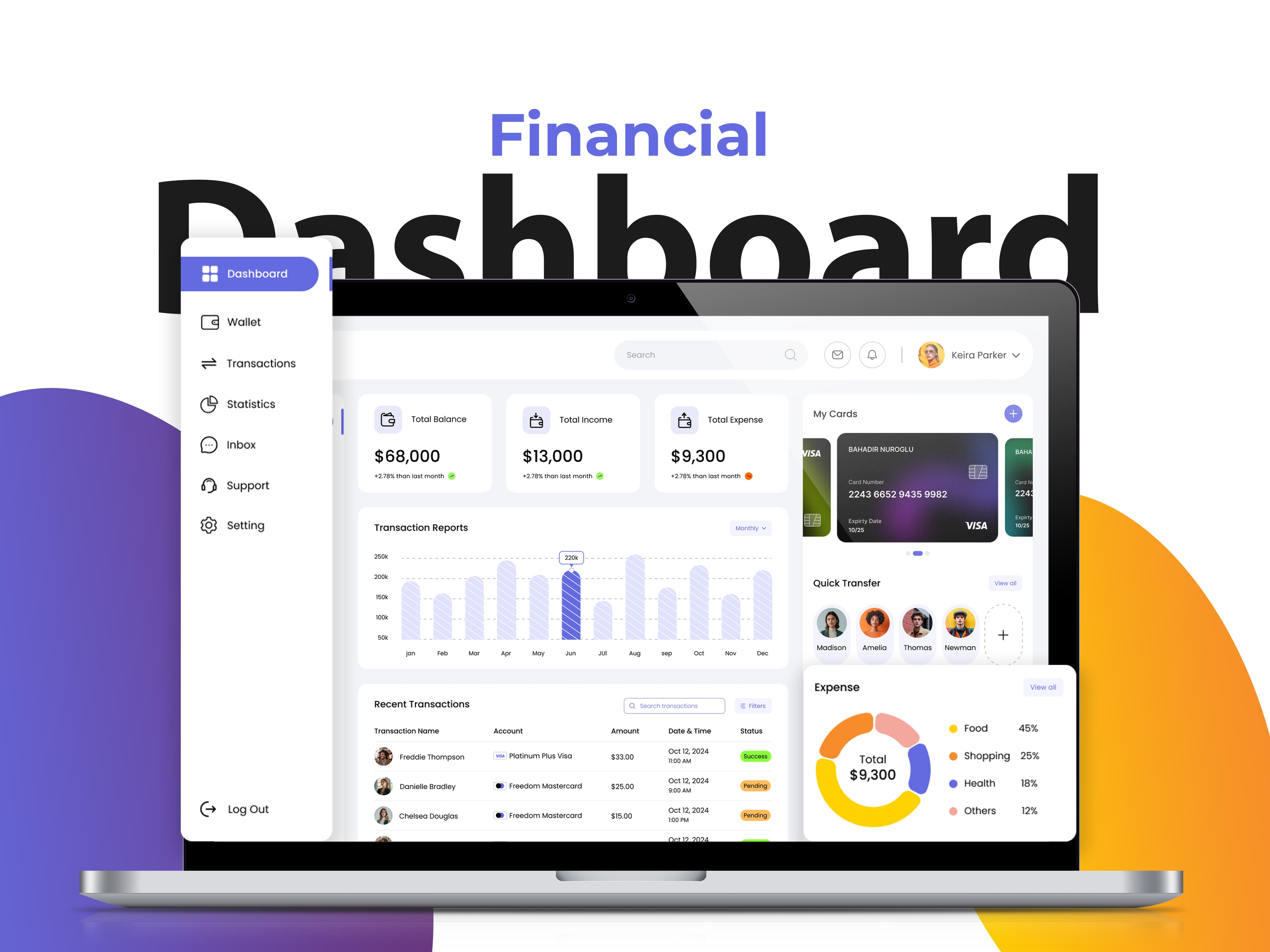
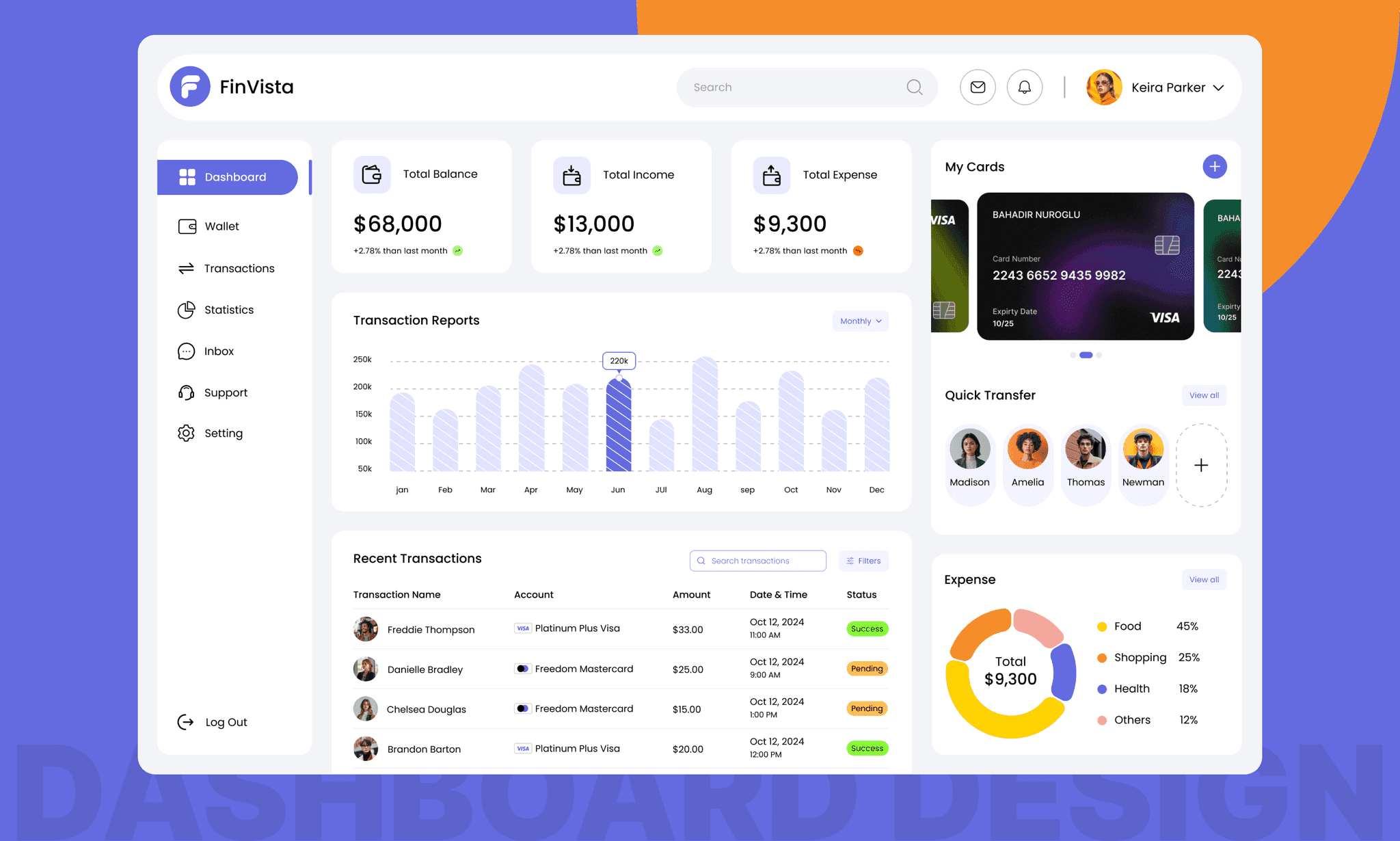
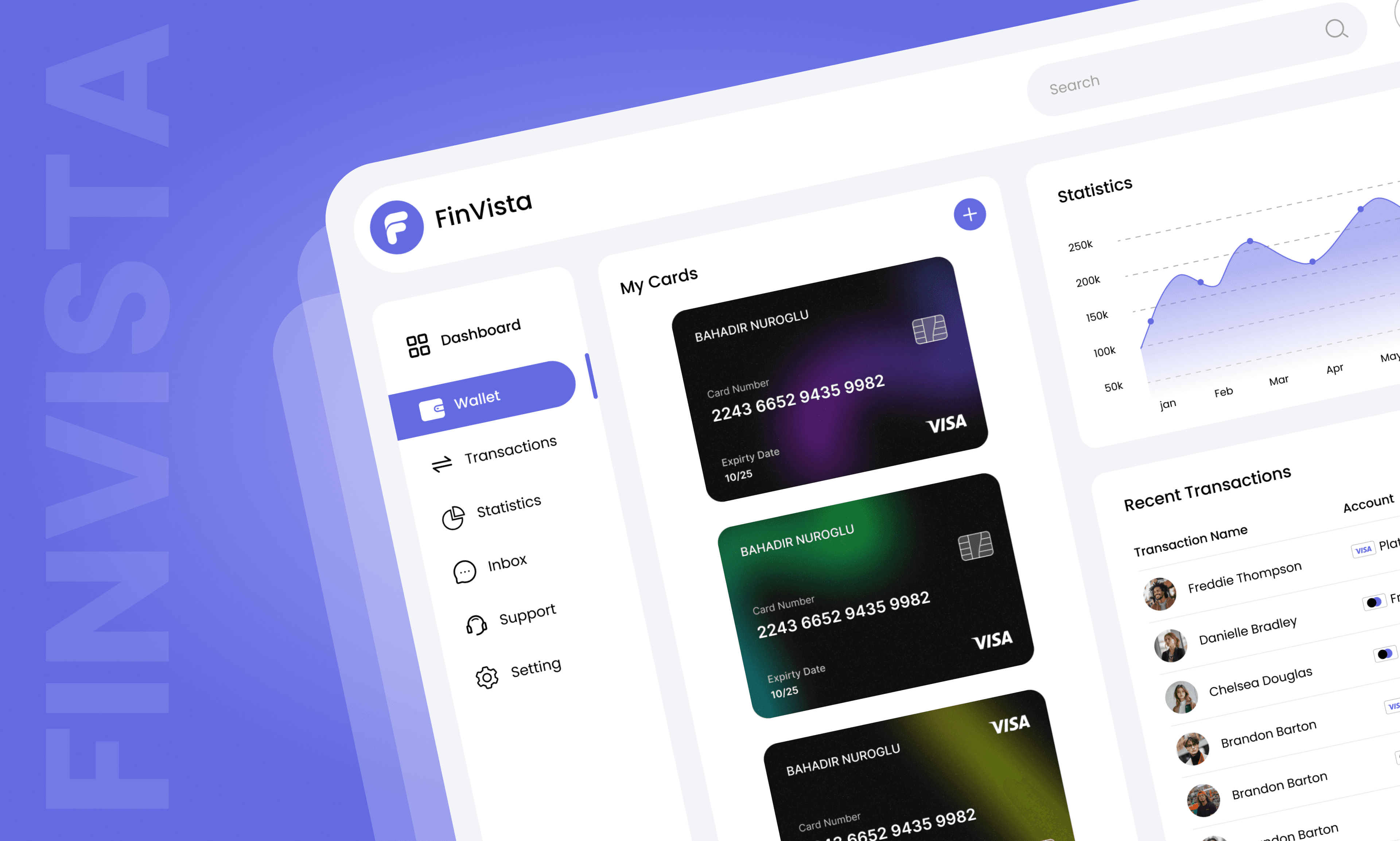
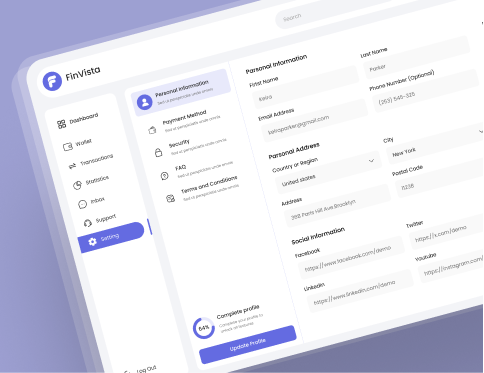
FinVista is a modern financial dashboard that simplifies personal and business finance management. It consolidates all your financial data, giving you a clear overview of your income, expenses, assets, and liabilities.
The platform offers powerful visualization tools and actionable insights to help users make informed financial decisions.
Problem:
- Managing finances across multiple accounts and platforms can be overwhelming and time-consuming.
- Many users struggle to track their spending, set realistic budgets, and understand their overall financial health due to scattered data and a lack of real-time insights.
Solution:
- FinVista integrates all financial accounts into a single dashboard, providing a clear, real-time view of your financial status.
- It categorizes expenses automatically, generates insightful reports, and helps set and track financial goals.
- The platform's smart analytics identify spending patterns and offer suggestions to improve financial health, empowering users to make better decisions.
FinVista Style Guide:
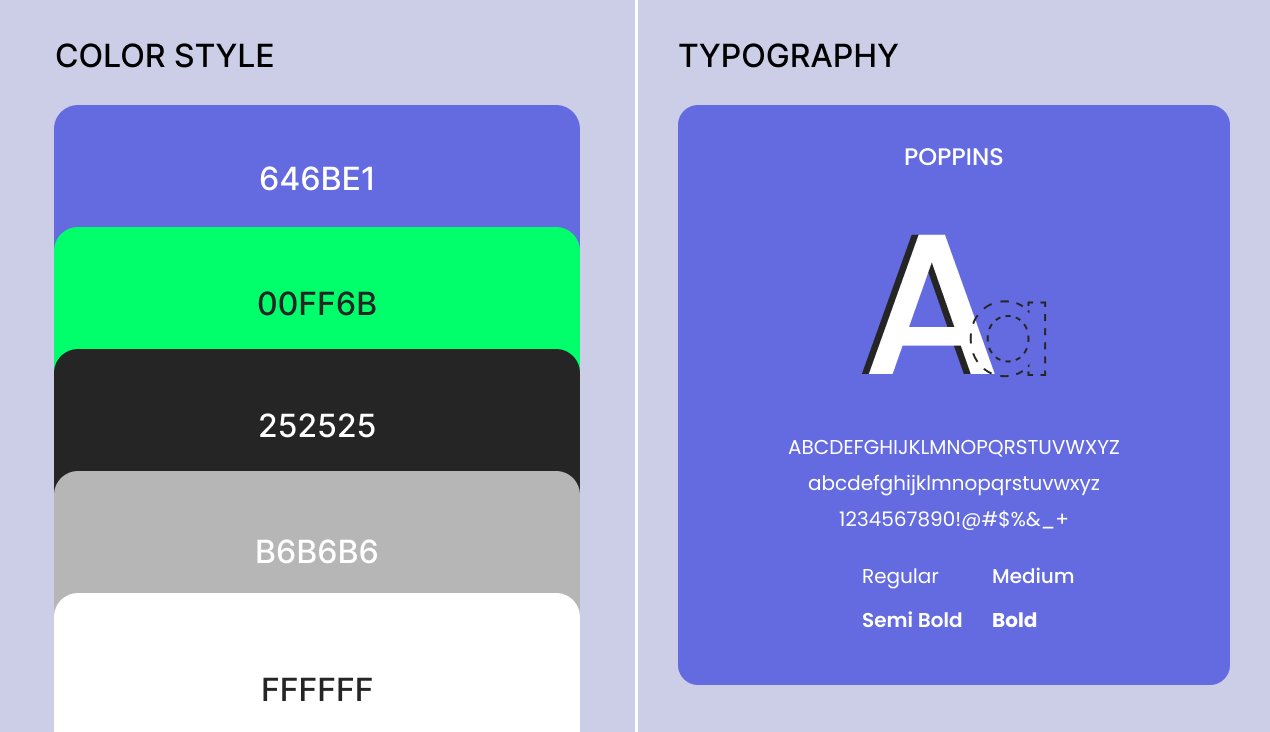
FinVista embodies a sleek, professional, and user-friendly design that prioritizes clear communication of complex financial data. The color palette combines a rich, deep purple with vibrant accent colors like royal blue and emerald green to create a sense of trust and stability. Typography is clean and modern, with a focus on legibility using the "Inter" font family.
Features:
Here’s a list of core features that could be included in FinVista, your financial dashboard, to create a comprehensive and user-friendly experience:
1. Personalized Financial Overview
- Account Summary: Display balances, assets, liabilities, and net worth in real-time.
- Recent Transactions: Show recent income and expenses with sorting/filter options.
- Financial Health Indicator: Visual representation of spending habits, savings, and financial goals.
- Expense Breakdown: Categorized chart of spending by category (e.g., bills, entertainment, groceries).
2. Budgeting & Spending Insights
- Budget Creation & Tracking: Create monthly budgets for different categories and track progress.
- Spending Alerts: Notifications when spending exceeds budgeted amounts.
- Recurring Payments Overview: Display monthly/annual subscriptions and their due dates.
3. Investment Portfolio Tracker
- Portfolio Overview: Track performance of stocks, bonds, and other investments.
- Real-Time Market Data: Display stock prices, market trends, and news.
- Asset Allocation: Visual charts showing diversification of investments.
- Risk Assessment: Risk level of the portfolio based on current investments.
4. Tax & Reporting Tools
- Tax Summary: Overview of tax-related income, deductions, and estimated liabilities.
- Tax Document Upload: Secure upload of tax documents (W2, 1099, etc.).
- Downloadable Reports: Ability to download detailed reports for accounting or tax filing purposes.
5. Goals & Milestones
- Financial Goals Tracker: Set and track goals like buying a home, paying off debt, or saving for retirement.
- Progress Indicators: Visual progress bars and milestones for each goal.
- Goal Suggestions: Based on income, age, and financial situation, suggest personalized savings goals.